
Logiciels
> Proteus
> Librairies
for Proteus (Isis / Ares / 3D)
Last update : 29/09/2013Version Française
Preview
I'll put here some components created for use in Proteus software : Isis for schematic drawing, Ares for PCB design. Oh, just a few components I had to work with and that were not in initial libraries. And for the fun, I started to make 3D models for use in Ares 3D viewer. Please, don't compare my work with work of known artists. My only goal is to do 3D models that are more realistic than a red or black square ;-).Librairies 3D - Composed with RealWorld Icon Editor
I discovered a software dedicated to icons creation, called RealWorld Icon Editor (RWIE), that can be accessed on rw-designer web site. In a first approach, no link possible with Proteus and 3D models. But after reading RWIE documentation, I saw this software was able to import 3DS files. 3DS import, yes, but 3DS export, non. So, I wrote to the software developper to ask him if 3DS export function was planned in the developpement line. Answer was "Yes, why not". Well, I tried the software, and started to do some objects, after reading available tutorials. What I got ? My first 3D components, a transistor TO18 package.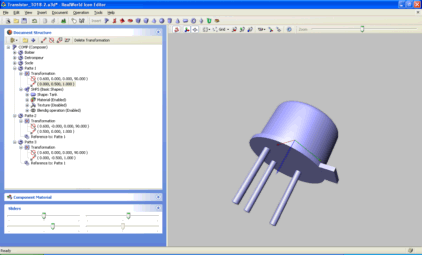
All that only with two hours of work ! My poor potentiometer 3D model made with Blender took me some days... I continued to made one or two components with RWIE, waiting for the 3DS export function. Function that came very quickly. After some tests and software adjustements, Export to 3DS from RWIE and import to Ares was perfect for me. I decided to pay a license of RWIE, because it allow me to do some 3D models that are compatible with Ares, and because these models are easy to do and very easy to modify (the RWIE software had some mecanism to avoid repetitive tasks, as do 14 pins with only one at the base, and if I had to change pos, size or color of the 14 pins, I have to change only the reference one).
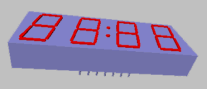
16/10/2011 : got the latest release of RWIE, after upgrading from V2008.1 to V2011.1. Software now take benefits of new fonctions really usefull, as the controled multiplication of a 3D base object (Iterative function). A good example of usage of the iterative function is for the modelisation of the Avago HDSP-B0xG seven segments four digits LED display, as we can see on the following screeshot.
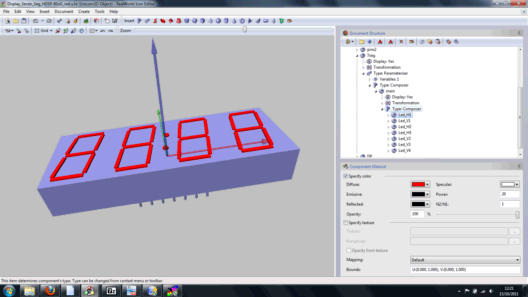
To create the full 3D model of this 4 digits LED display, only six 3D base objects are required :
- a rectangle for main body of the component
- a little cylinder for a first raw of pins (the 7 pins we can see on front)
- a second little cylinder for a second raw of pins (the 5 pins on the rear that we can't see on the screenshot)
- a little rectangle for horizontal segments (0 degree angle) of one digit
- a little rectangle for vertical segments (80 degree angle) of one digit
- a little cylinder for the two decimal points DP1 and DP2.
All we have to do is to specify how duplication of these base objects have to be done, in the three space dimensions. To take example with the digits, we start create a "virtual" object based on the multiplication by 3 of the horizontal segment and multiplication by 4 of the vertical segment. After obtening this 7 segments digit, it is simple to multiplie itself by 4. OK, i didn't found on the first step how to do the model the better it could be, and my first version conducted to very slow refresh in the 3D view. But after correction of my errors by RWIE author itself, all is really fine ! Very big thanks to him, I can say this tool is really good for making 3D models of electronic components !
Available components
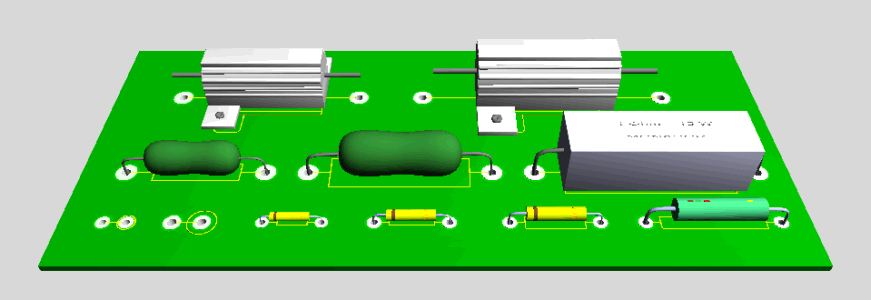
Components available here are very simple and for the majority of them, have not a large number of vertex. I don't try to do them highly "visual", I just search them to be easyly recognised and quicly drawn by Ares 3D engine.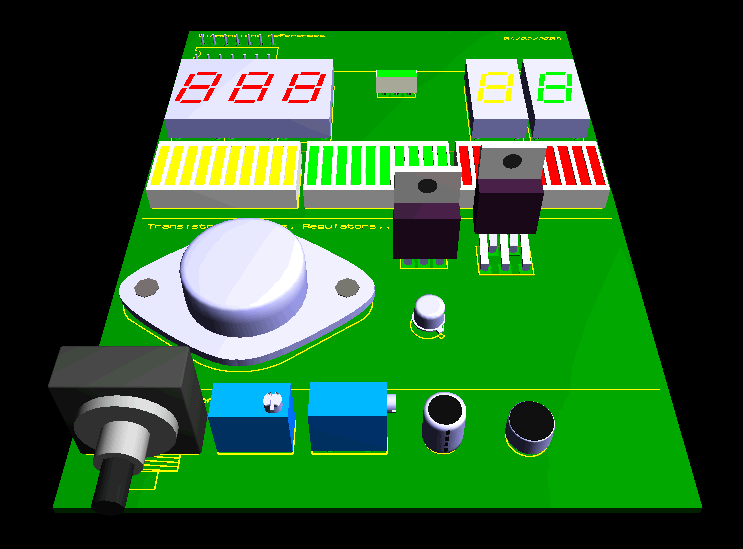


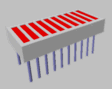
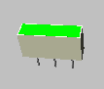


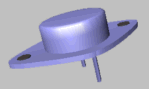


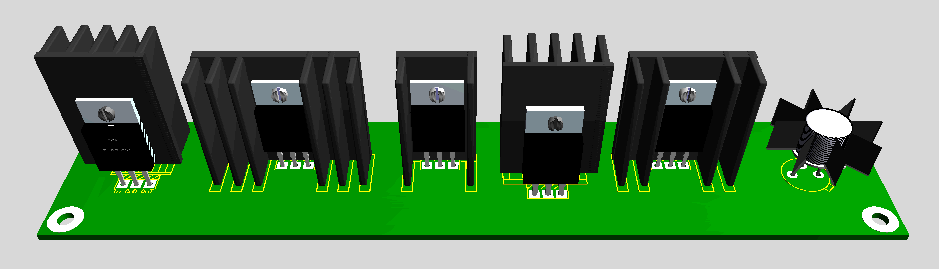
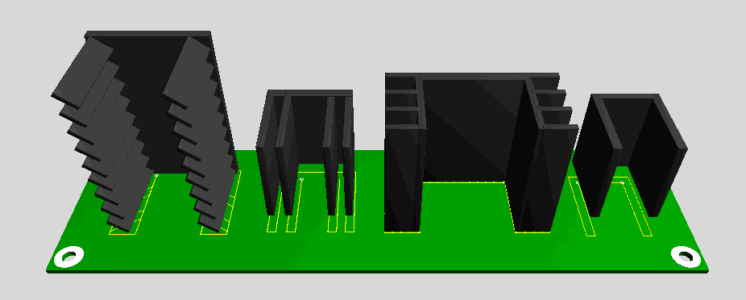
Near these traditionnal components, I also created some models of heaters for TO220 package :
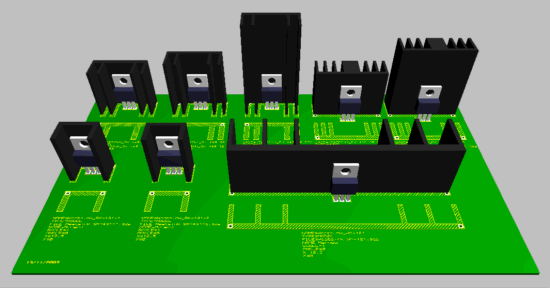
My library is completed day after day, according my needs.
Download of Isis / Ares libraries and 3D models
Proteus
librairies - Last update : 23/10/2011In "Proteus Lib" zip archive, are included following files :
- Isis libraries, file format "rm_sch_*.lib".
- Ares libraries, file format "rm_pcb_*.lib".
- 3D models, file format *.3ds, made from *.u3d files in RealWorld Icon Editor
- Source files, format *.u3d and used in RealWorld Icon Editor
- Demo files 3D_Samples.SDN et 3D_Samples.LYT that allow view components on a PCB.
- Readme.txt file, that talk about components and evolutions
You can use freely these libraries and 3D models, for the usage you want (but please don't claim they are from you). You alo can improve them and resend them me to allow everybody to benefit of the evolution ;-).
Others 3DS models
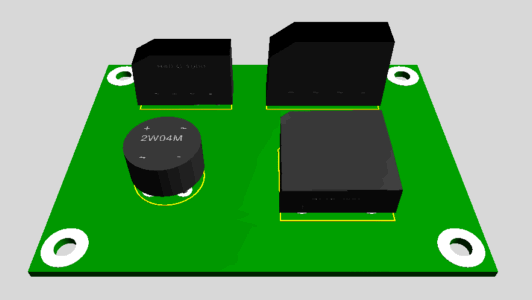
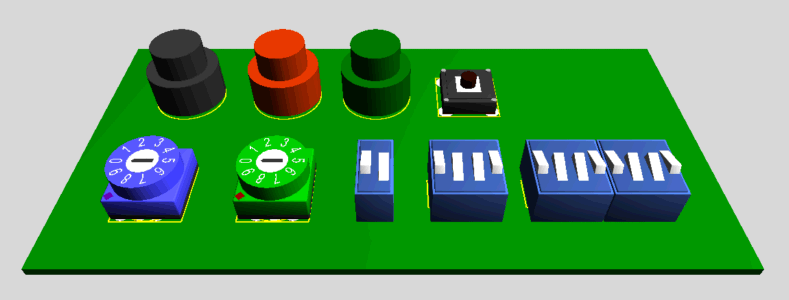
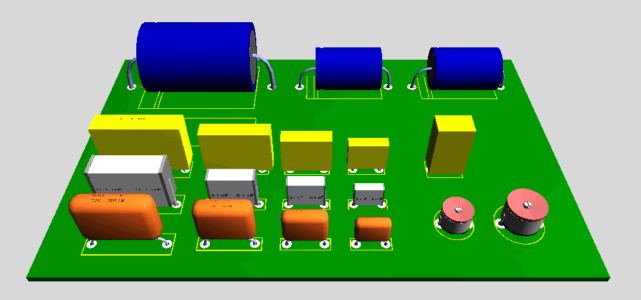
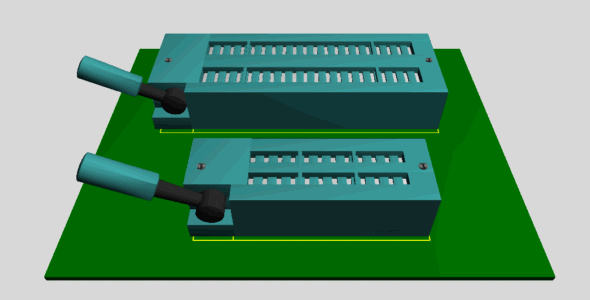
Others 3D models from others contributors, that allowed me to let them downloadable on my little web site. Thanks a lot to them ! If you have yourself others 3D models to offer to the Proteus community, don't hesitate to contact me ;-)Misc (bridges, heatsinks, power resistors, capacitors, ...) - Jacky Beuret
Last update : 05/01/2010Divers / Misc 001 (Jacky Beuret) - 05/01/2010
Coils, FI transformers - Jacky Beuret
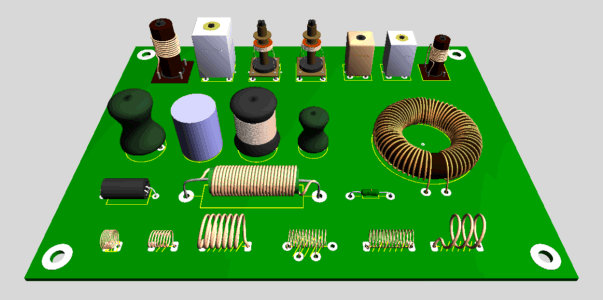
Last update : 05/01/2010Selfs / Coils 001 (Jacky Beuret) - 05/01/2010
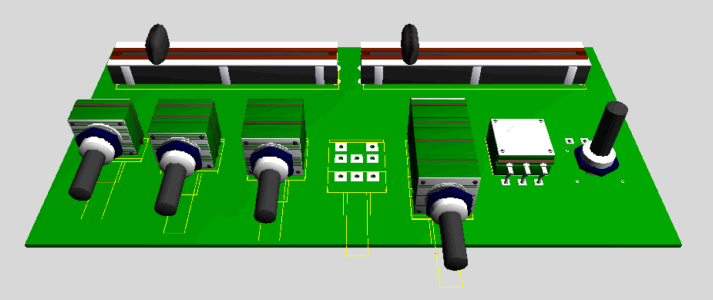
Potentiometers - Jacky Beuret
Last update : 21/01/2010Potentiomètres / Potentiometers (Jacky Beuret) - 21/01/2010
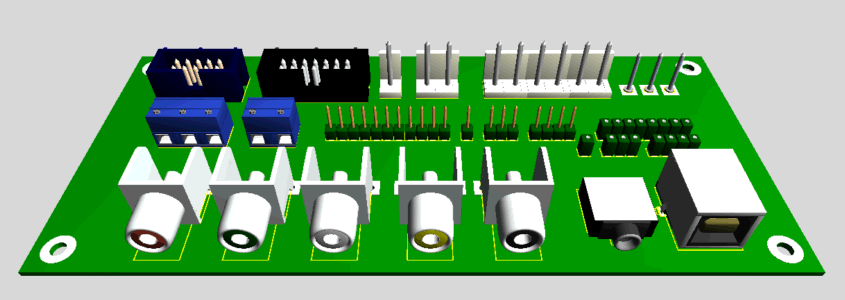
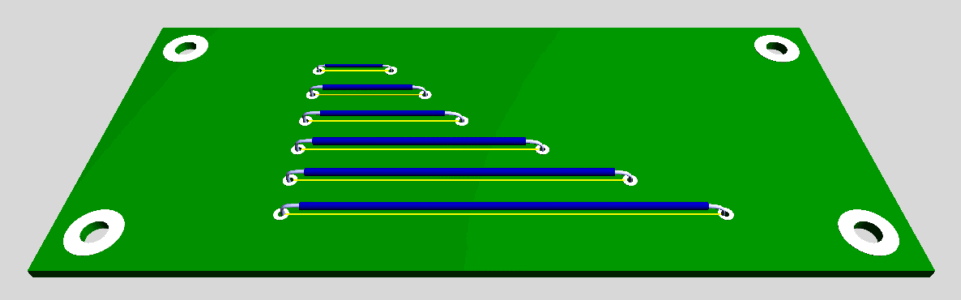
Connectors - Jacky Beuret
Last update : 05/01/2010Connecteurs / Connectors 001 (Jacky Beuret) - 05/01/2010
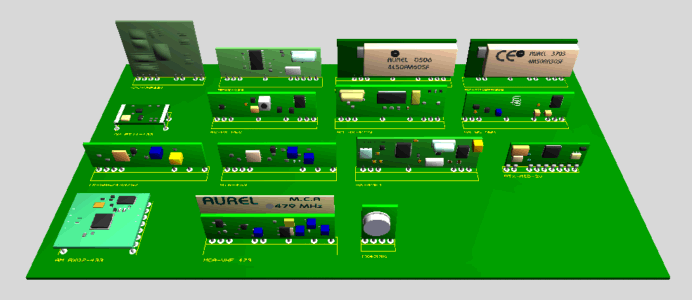
Aurel TX / RX modules - Jacky Beuret
Last update : 21/02/2010Aurel TX / RX 001 (Jacky Beuret) - 21/02/2010
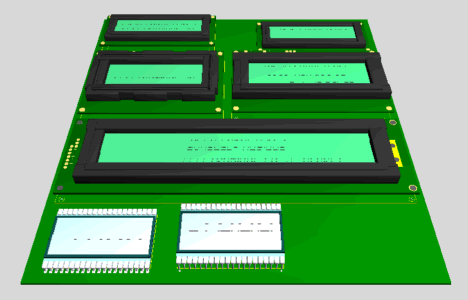
LCD display - Jacky Beuret
Last update : 07/03/2010Afficheurs LCD / LCD display 001 (Jacky Beuret) - 07/03/2010
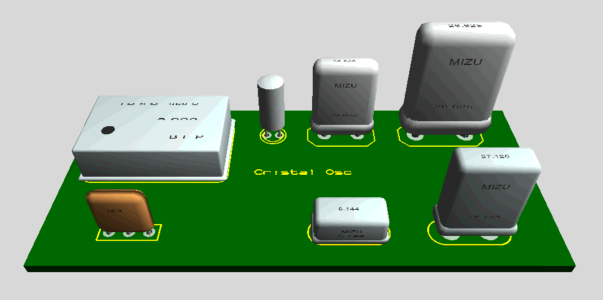
Oscillators and crystal - Jacky Beuret
Last update : 07/03/2010Oscillateurs et Quartz / Crystal and oscillators 001 (Jacky Beuret) - 07/03/2010
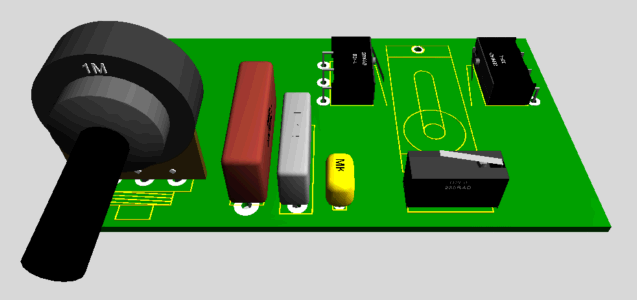
Misc (microswitches, potentiometers, capacitors, ...) - François Loust
Last update : 15/12/2009Divers / Misc 001 (François Loust) - 15/12/2009
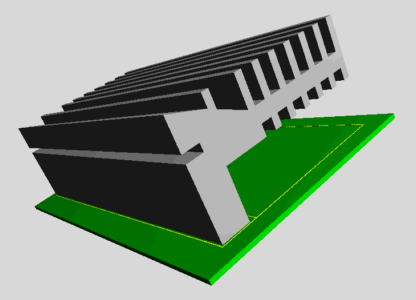
Heatsink - Robert Lacoste
Last update : 06/12/2009Dissipateur thermique / Heatsink 001 (Robert Lacoste) - 06/12/2009
Panasonic capacitors - Anatoli Panchenko
Last update : 10/08/2008Panasonic Condensateurs / Capacitors (Anatoli Panchenko) - 10/08/2008
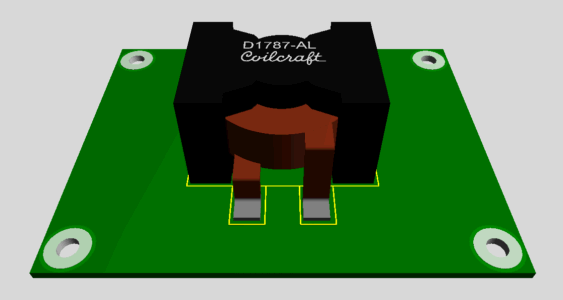
Self - Anatoli Panchenko
Last update : 29/09/2013Selfs / Coils 001 (Anatoli Panchenko) - 29/09/2013
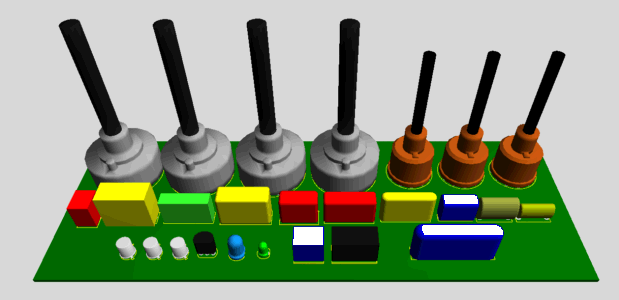
Misc - Jean-Claude P.
Last update : 13/04/2008Divers / Misc 001 (Jean-Claude P.) - 13/04/2008
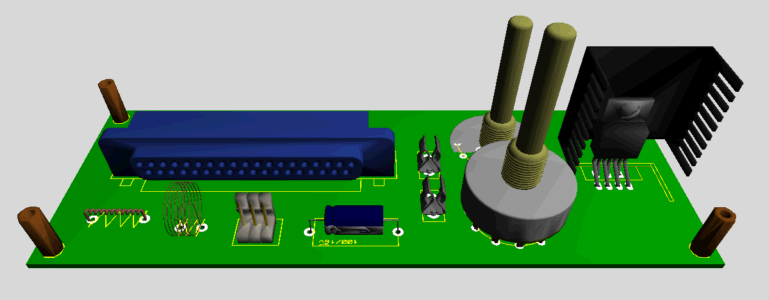
Misc - Friedrich V.
Last update : 23/12/2012Divers / Misc 001 (Friedrich V.) - 23/12/2012
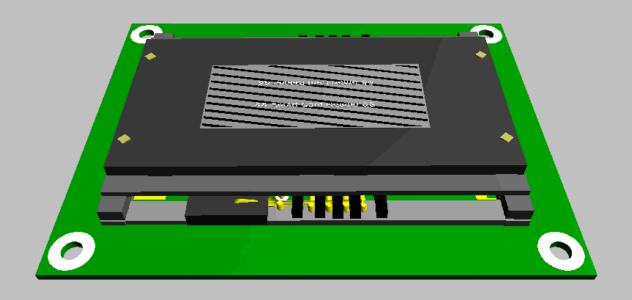
SmartCard reader - M. Belgitaes
Last update : 30/05/2007Smart-Card reader (M. Belgitaes) - 30/05/2007
Jumper - M. Belgitaes
Last update : 30/05/2007Cavalier / Jumper (M. Belgitaes) - 30/05/2007
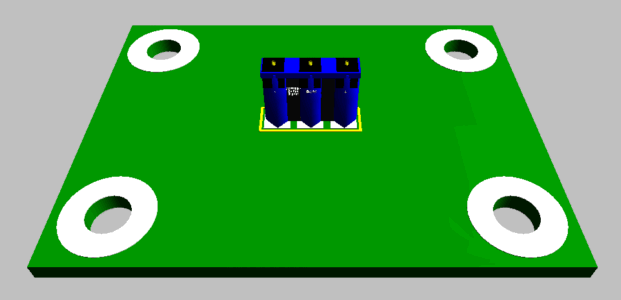
Power supply Jack - M. Belgitaes
Last update : 29/09/2013Selfs / Coils 001 (Anatoli Panchenko) - 29/09/2013
All archives
Divers / Misc 001 (Friedrich Vissel) - 23/12/2012Afficheurs LCD / LCD display 001 (Jacky Beuret) - 07/03/2010
Oscillateurs et Quartz / Crystal and oscillators 001 (Jacky Beuret) - 07/03/2010
Aurel TX / RX 001 (Jacky Beuret) - 21/02/2010
Potentiomètres / Potentiometers (Jacky Beuret) - 21/01/2010
Connecteurs / Connectors 001 (Jacky Beuret) - 05/01/2010
Divers / Misc 001 (Jacky Beuret) - 05/01/2010
Selfs / Coils 001 (Jacky Beuret) - 05/01/2010
Divers / Misc 001 (François Loust) - 15/12/2009
Radiateurs / Heatsink 001 (Robert Lacoste) - 06/12/2009
Panasonic Condensateurs / Capacitors (Anatoli Panchenko) - 10/08/2008
Selfs / Coils 001 (Anatoli Panchenko) - 29/09/2013
Divers / Misc 001 (Jean-Claude P.) - 13/04/2008
Smart-Card reader (M. Belgitaes) - 30/05/2007
Cavalier / Jumper (M. Belgitaes) - 30/05/2007
Jack alim / Power Jack (M. Belgitaes) - 14/06/2007
3D Models reserved to registered users of Proteus
Others 3D models can be obtained on official Labcenter / Proteus forum, in a section that can be accessed only to registered users.Please, don't ask me to send you these 3D models, I'll not answer.
Use in Ares
Before starting : remember that Proteus is sold under 3 levels, Level 1 (starting level) to Level 3 (top level). The 3D visualisation of the PCB is only possible in the Levels 2 and 3. Level 1 don't allow 3D vue.Copy files in the good place
3DS files have to be placed in the "Library" directory of Proteus, for exemple :C:\Program Files\Labcenter Electronics\Proteus 7 Professional\LIBRARY
How to specify an external 3D model file
By default, Ares use its internal 3D engine to do basic objects, or sometime use external VML files. To use an external 3D component, you must specify that component type is contained in an external file. This can be done in the 3D visualization window of Ares by attributing MODEL value to the TYPE parameter. For exemple, to use external TO18.3ds component for a 2N2222 transistor, you have to place the component on the PCB, right clic on the 2D footprint, and in the contextual menu, choose the 3D Visualization command. In the 3D Visualization window that come, write the following text.TYPE=MODEL
File=TO18.3ds
NAME=Merged
ANGLE=-90
SCALE=0.25
X=0
Y=0
Notes
- NAME parameter must have MERGED value if the 3DS file is made with RealWorld Icon Editor software, that is the case for my components. If you use another 3D software as Blender or, you must specify the name corresponding to the bloc (group) that include all 3D primitives. Don't forget Ares wait for a unique object in the 3DS file.
- ANGLE, SCALE, X et Y parameters have to be adjusted until 3D component is correctly placed on the 2D footprint, with good dimensions and good orientation.
About RealWorld Icon Editor software...
Version V2006.2 of RWIE don't allow natively 3DS export, but you can add this 3DS export function by following procedure described on the page RWIE - Adding 3DS export function. In the V2008.1 version of RWIE, 3DS export is integrated, and the specific procedure specified for V2006.2 version is not necessary. Please, go to the RWIE forum for more informations.Tutorial
I wrote a tutorial to explain step by step, how to construct a seven segment display with RWIE. This tutorial is not small because I wanted to include enough screenshots to make it easy to read.RWIE - Tutorial 01 (french version)
RWIE - Tutorial 01 (english version)
Using Google SketchUp Pro for Ares 3D models
Google SketchUp Pro
is a
software dedicated to 3D modelling, and allow export in 3DS format of
created objets (limited free version don't allow it). So, it will be
fine if 3DS files made with SketchUp can be opened and used as 3D
objects for mechanical parts of Ares. Some peoples asked me how to
configure export options of SketchUp to allow exported objet to be
recognised in Ares, but as I never used this software, I can't say a
lot of things... But after searching and talking with peoples that
contacted me about this, it appear this can works ;-)In "Create component" windows of SketchUp Pro :
- Specify a name for your whole component. For exemple : "merged", "model" or "jack".In "3DS Export Options" windows of SketchUp Pro :
- Select "Single Object" item in the "Geometry / Export" list.- Select "Inches" or "Millimeters" item in the "Scale / Units" list.
Exemple with a 3DS file made with SketchUp Pro and with
"Model
unit" scale
If you select "Model unit" item in the "Scale / Units" list, then you
must apply a lower scale in Ares.TYPE=MODEL
File=TO220_sk.3ds
NAME=Model
ANGLE=0
SCALE=0.02
X=-1.5
Y=-10
TO220_sk.3ds file exported from SketchUp Pro - Thanks to "CKL" !
3D STP models under 3D Ares viewer ?
Here is a tutorial wrote by Robert Lacoste, that describe how use a STEP (*.STP) 3D file under Ares 3D viewer. Thanks a lot to him !Proteus 3D RL Tuto 3DStep (in French)
Rhinoceros and 3DMax ?
A little tutorial written by François, big thanks to him !Proteus 3D FL Tuto Rhino 3DMax
ViaCad Pro and Ares 3D ?
Here is a technical note wrote by Robert Lacoste (Alciom), that describe how create a 3DS (*.3DS) 3D file under ViaCad software that can be used under 3D engine of Ares. Thanks again to him !Proteus 3D RL Tuto ViaCad Pro
(warning : 3DS export probably not allowed in basic version of ViaCad software, to verify).